DCSA Reference Documentation / Standards / Guidelines / Conformance
Conformance Sandboxes
Contents
Conformance Sandboxes
This page describes the process of creating DCSA conformance sandboxes to be used for measuring the conformance of your application with the implemented DCSA standard.
Accessing your conformance environment
For access to a DCSA conformance cloud environment, contact us.
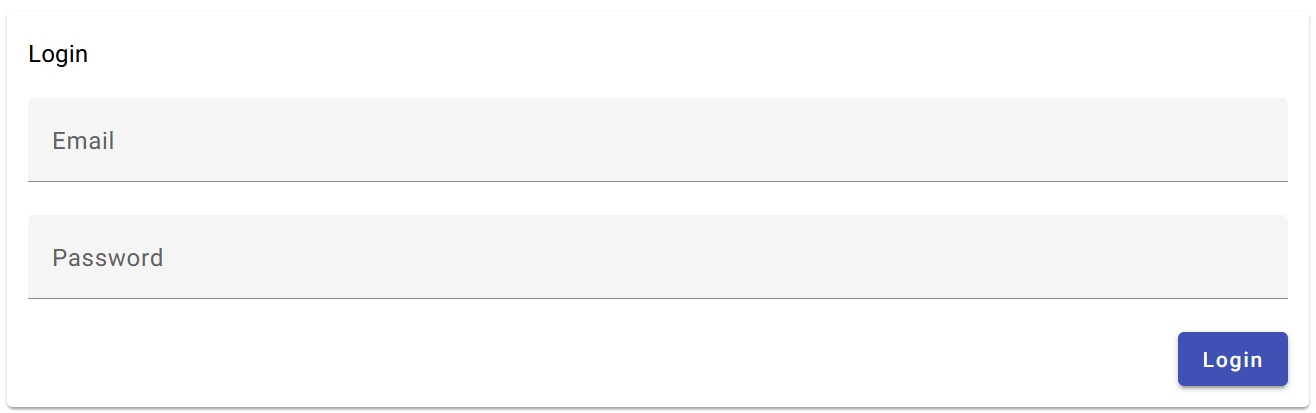
Use the credentials provided by DCSA to log on to your DCSA conformance cloud environment:
Creating a sandbox
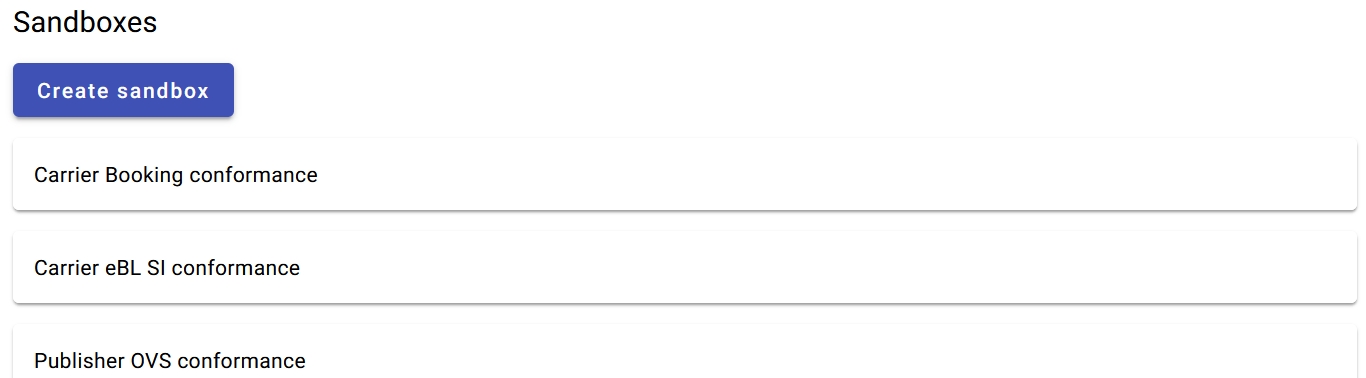
On the home page after login, you will see the list of all the sandboxes that you have created (sorted according to the name provided by you). Use the “Create sandbox” at the top to create a new sandbox:
Select the DCSA standard
Select the DCSA standard with which you want to measure the conformance of your application:

Select the standard version
Select the version of the DCSA standard with which you want to measure the conformance of your application:

Select the scenario suite
Select the scenario suite with which you want to measure the conformance of your application:

Typically this is the scenario suite named “Conformance”.
For some standards there is more than one conformance suite, for example SI-only and TD-only in the case of the eBL standard; select the scenario suite that matches the functionality of the application. If your application has implemented functionality that is covered by more than one scenario suite, create separate sandboxes for each scenario suite.
Where available, the “Reference implementation” scenario suite is a comprehensive list of scenarios used internally by DCSA for verifying that a standard is implementable, but is not relevant to adopters.
Select the role of your application
Select from the roles defined in the DCSA standard the role implemented by your application:

The sandbox will contain DCSA’s synthetic implementation of the other role, as well as an orchestrator that will guide you through executing conformance scenarios in which your application will play the role you selected, exchanging API calls with its synthetic counterpart running in the sandbox.
If you implemented both roles of a standard, for example both the Schedule Publisher and the Schedule Consumer roles of the OVS standard, you need to create separate sandboxes in order to measure the conformance of your application in each role.
Select the sandbox type
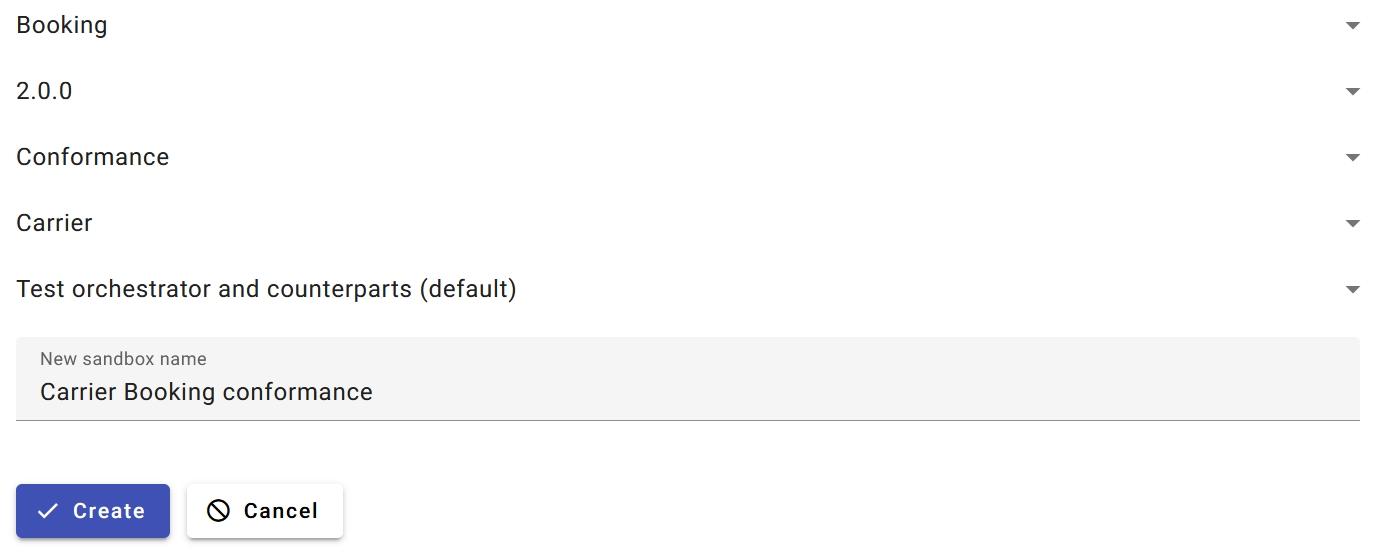
Always select the default sandbox type, containing the orchestrator and DCSA’s synthetic counterpart implementation:

Never select the sandbox type that is clearly labeled as being reserved for DCSA internal use only.
Choose a sandbox name
Choose a unique, meaningful name for your sandbox, one that will allow you to easily identify it in the list of your sandboxes:

Review the settings
Before clicking “Create”, review the settings carefully. You can only change the sandbox name later, but none of the other settings on this page:
Creating a sandbox opens the Conformance Sandbox Configuration page, where you will make the necessary connectivity configuration settings.